Settle in after dark
Choose a warm page or a true-black background, then lower Extra dim until the light feels right. Premium lets you soften bright images separately.
 Page Light
Wikipedia for night reading and tired eyes
Make long articles easier to settle into. Enlarge the whole article, choose a warm or true-black style, soften images, and tune type and spacing until the page feels right.
Free to read. US $0.99 to make it yours. Start with four styles, larger text and Extra dim. Premium unlocks all 22 themes, fine adjustments and offline reading for one small, one-time purchase.
Coming soon on Android. Google Play release updates
Text that suits youShape type, spacing, headings, captions and line length.
Find your coloursStart with four styles; Premium opens the full set and custom colours.
Soften the lightExtra dim is free. Premium lets you soften images separately.
Pick up where you left offYour history, reading position and saved list are always close by.
Why choose Page Light?
When you want more say over how Wikipedia looks and feels, Page Light brings the details together: the shape of the letters, the space between lines, the warmth of the page and the brightness of a photograph.
Choose a warm page or a true-black background, then lower Extra dim until the light feels right. Premium lets you soften bright images separately.
Enlarge every part of the article with one slider. Premium adds your choice of fonts, line length and spacing, with separate adjustments for headings and captions.
Bookmark an interesting article for later. With Premium, save articles for offline reading and sort your discoveries into as many collections as you like.
Find a look you love among all 22 themes with Premium, or choose your own colours. Save reading profiles to switch between your daytime and bedtime favourites.
Android preview
Larger words. Softer light. A page that feels comfortable from the first paragraph to the last.
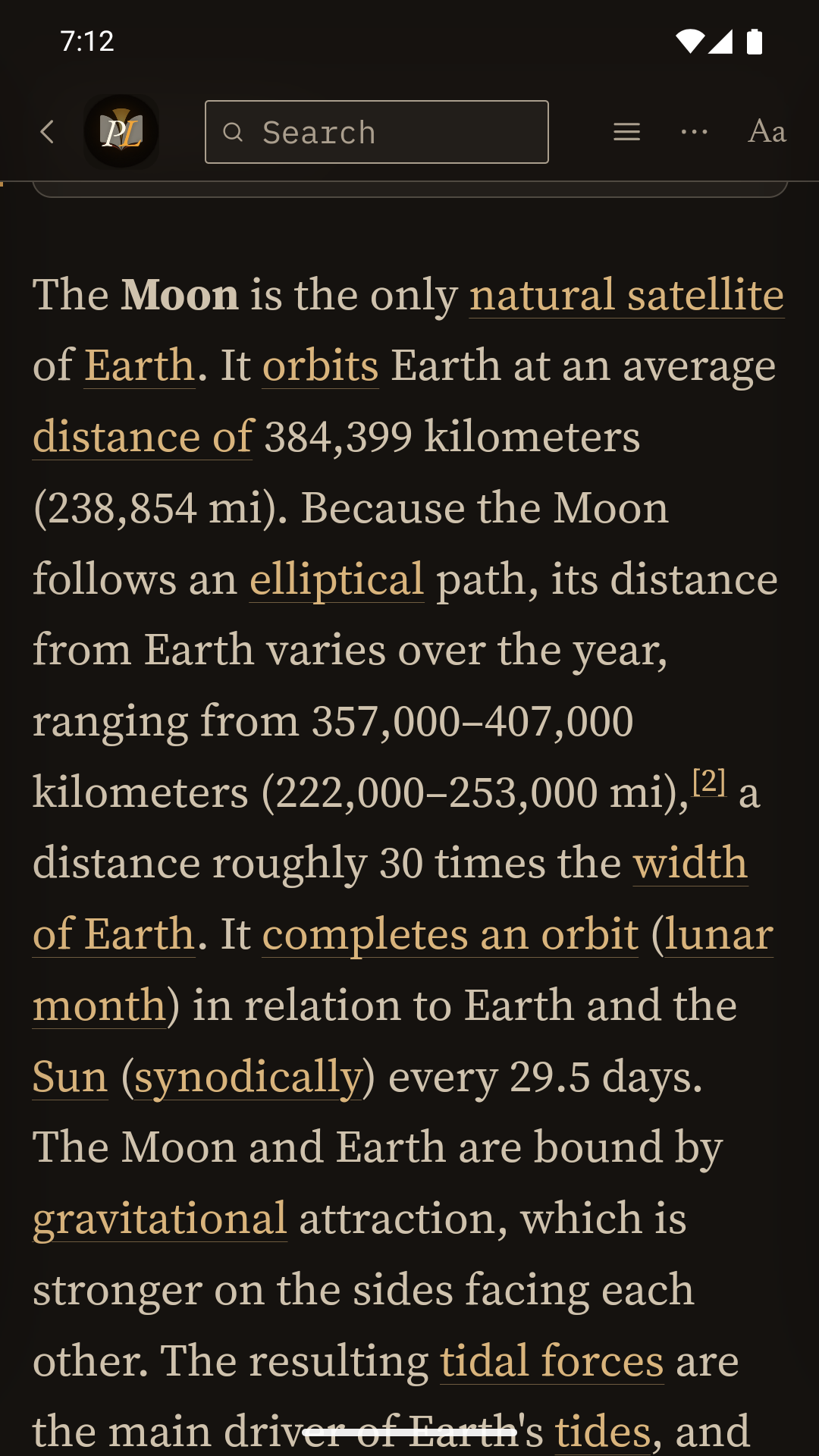
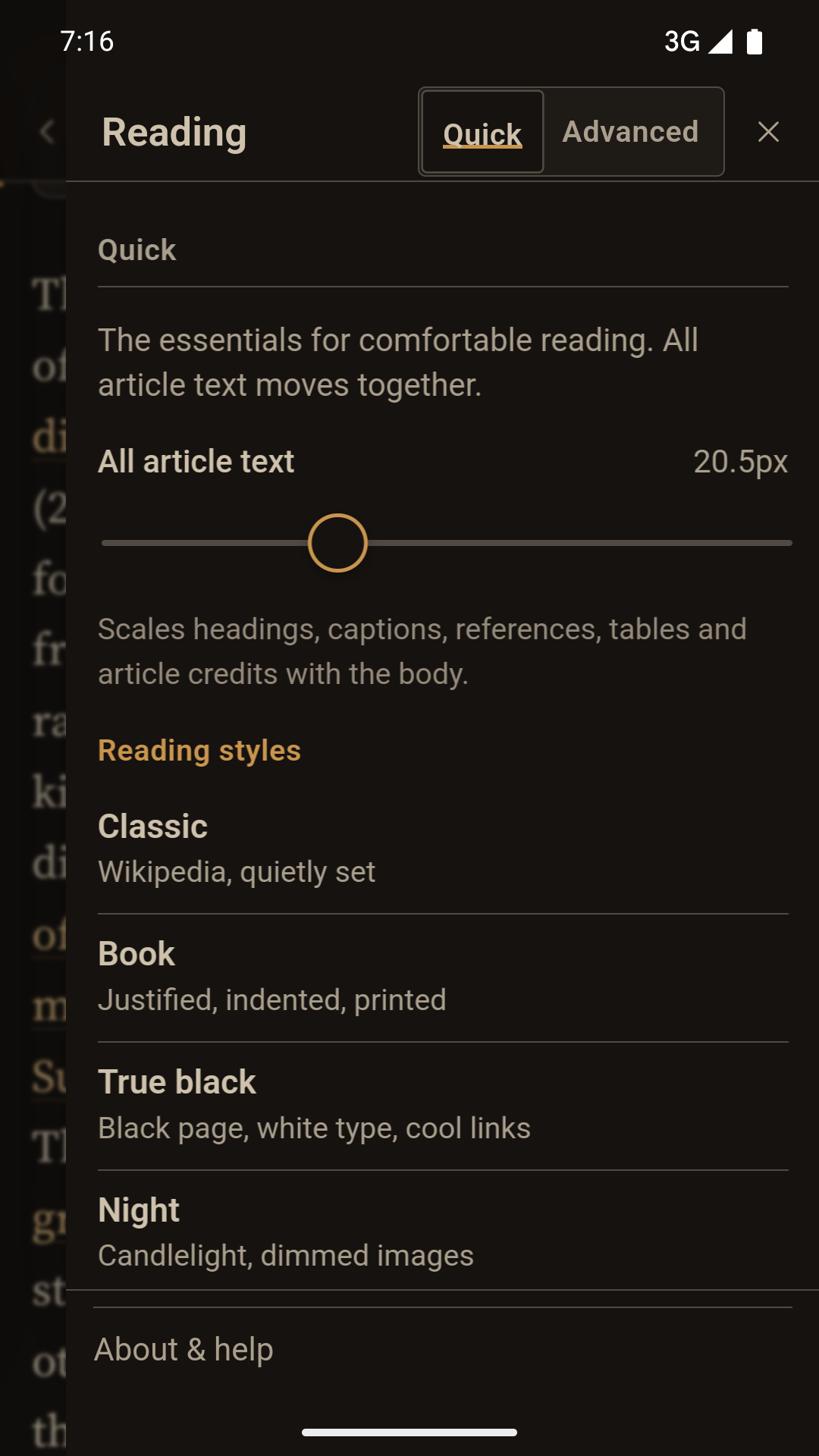
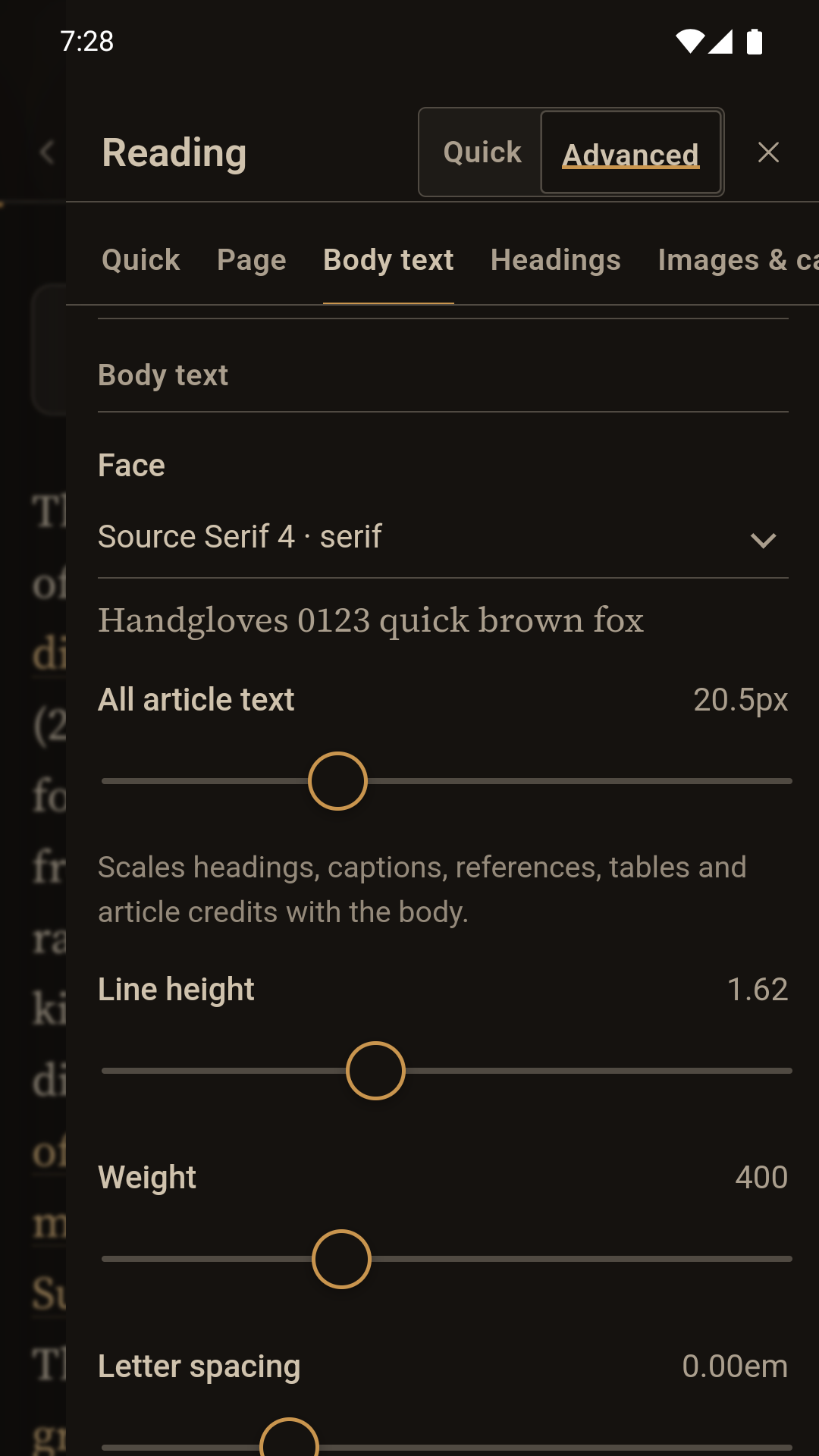
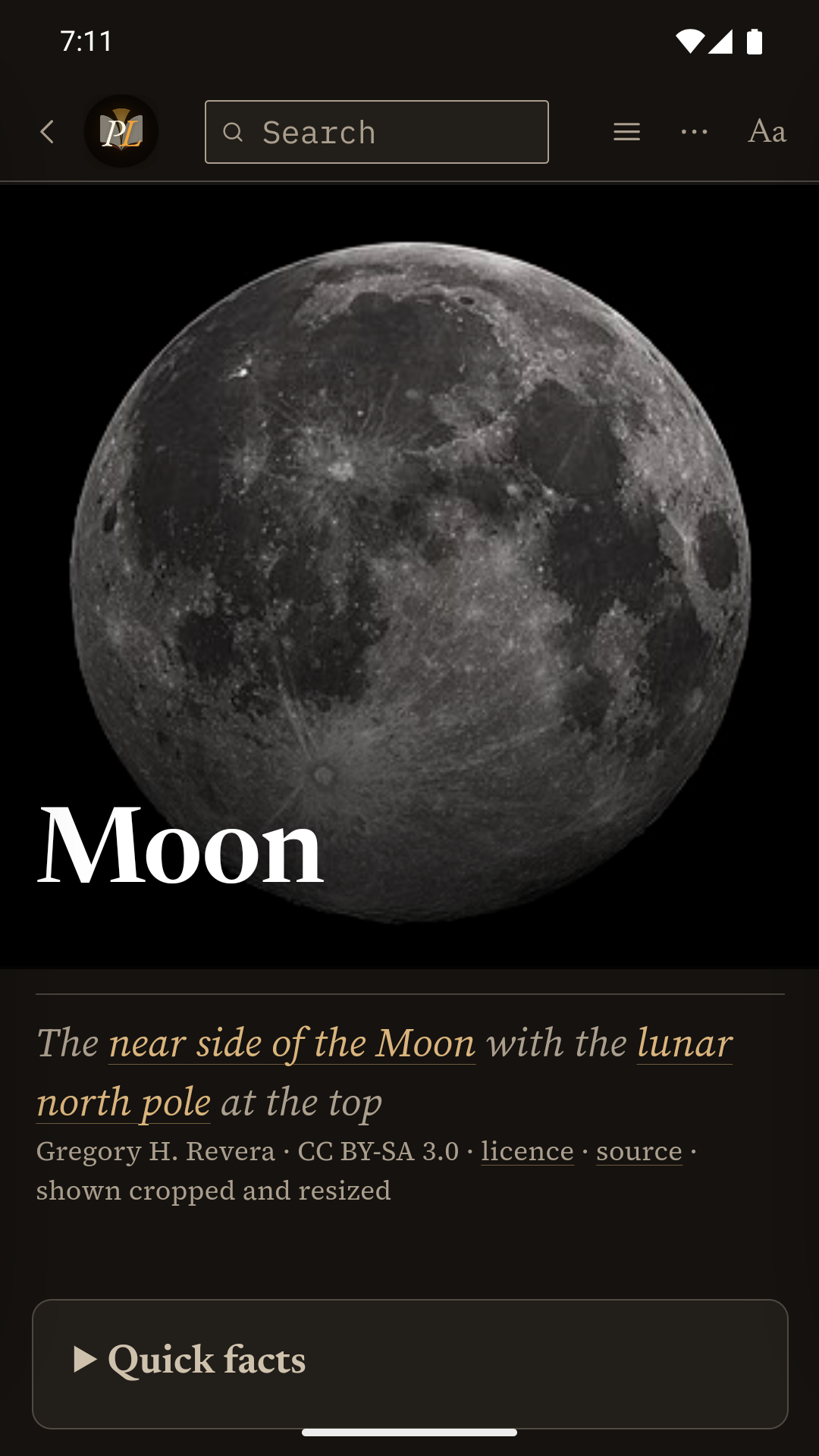
Screens show Wikipedia contributors' Moon article. Moon photograph by Gregory H. Revera, CC BY-SA 3.0, cropped and resized in the app.
Free & Premium
Enjoy the free reader for as long as you like. Curious about the extra controls? Try Premium for seven days, then decide.
Free reader
Free no time limit
Everything you need to settle into an article. No sign-up needed.
Optional seven-day trial
Premium when you choose
Start the seven-day Premium trial when you choose. No card needed, and it never charges automatically.
One-time Premium
US $0.99 once · no subscription
Keep your favourite Premium features with a single purchase.
US price shown. Google Play shows your local price before purchase. Restore Premium on Android with the Google Play account you used to buy it.
Try it here
Try a theme, enlarge the text or give the lines more space. This sample lets you explore free and Premium controls before choosing the app.
Reading sample
A comfortable page is not one fixed design. It is a space that can change with your eyes, your screen and the light around you.
Try a different typeface, enlarge all the text, shorten the line, or choose a calmer link colour. Notice which combination feels easiest to read.
Good reading controls should be powerful when you need them and quiet when you do not.
| Setting | Purpose |
|---|---|
| Line length | Makes each line easier to follow |
| Contrast | Supports legibility in changing light |
Reference [1] · Example code: font-size: 1em
Just you and the article
Open the app and start reading. Page Light keeps your reading history and settings on your device, with no advertising or analytics.
Privacy details →Coming soon on Android
Page Light is under review at Google Play. The download link will be here as soon as it is available.
Google Play · Under review
Discover a calmer, more personal way to read Wikipedia.
Find your reading style